
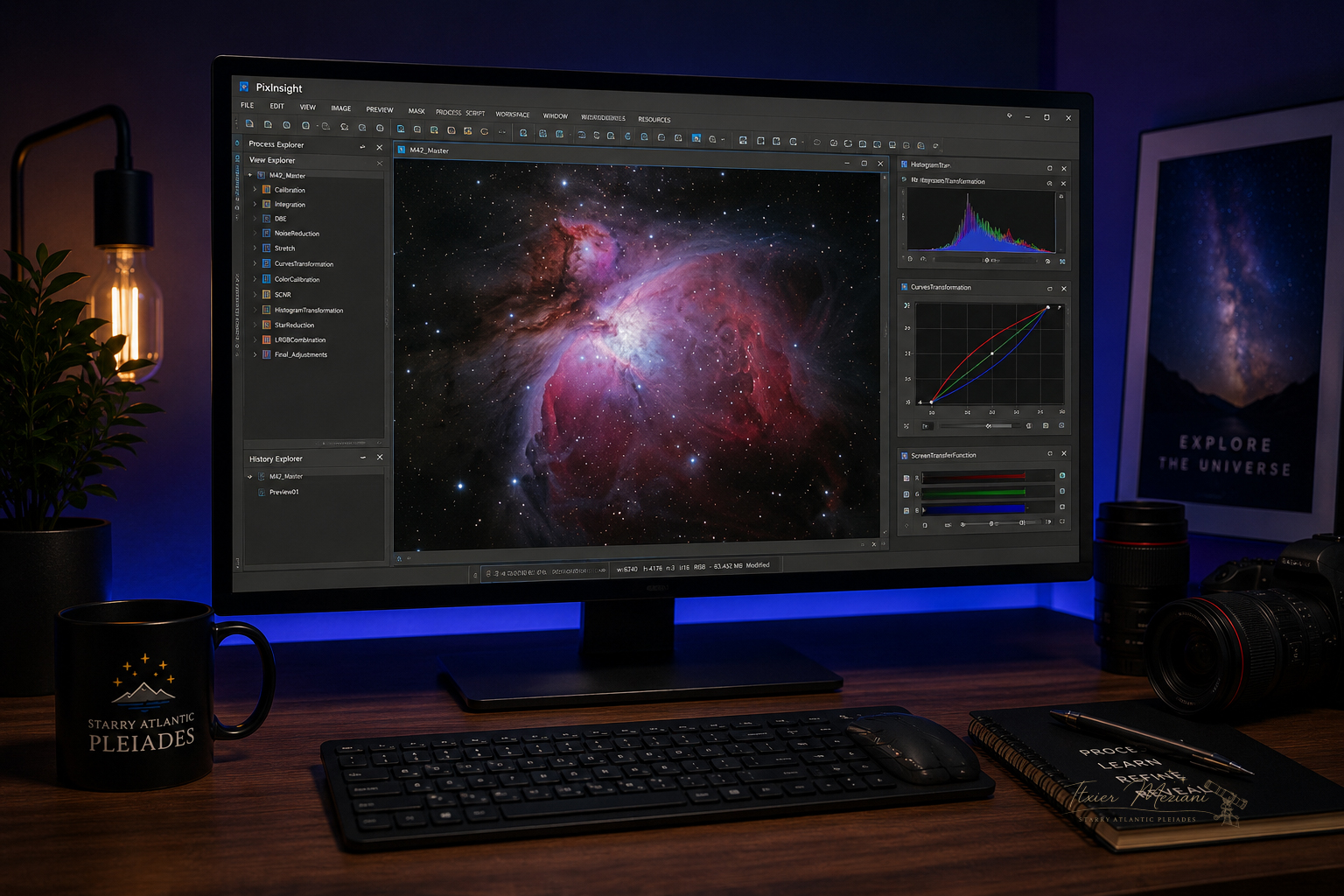
1. What PixInsight Does
PixInsight is used to turn raw astrophotography data into a finished deep-sky image. The software is powerful because it lets you work carefully through each stage of the image: calibration, stacking, background correction, stretching, color balance, noise control, and detail enhancement.
The goal is not to make the image look artificial. The goal is to reveal faint signal while protecting stars, dust, color, and structure.
2. Calibration and Stacking
Before processing begins, the image data needs to be calibrated and stacked. Calibration frames help remove sensor noise, dust shadows, vignetting, and other imperfections. Stacking combines many exposures into one stronger image with better signal.
| Lights | Your actual deep-sky images. |
| Darks | Frames used to reduce thermal noise and hot pixels. |
| Flats | Frames used to correct dust spots and uneven illumination. |
| Bias / Dark Flats | Frames used to calibrate camera readout or flat exposure behavior. |
3. Background Correction
Light pollution, moonlight, gradients, and uneven illumination can create unwanted background patterns. Before stretching the image, PixInsight tools can help remove these gradients while preserving the real signal from the target.
This step is especially important for nebulae and galaxies because background gradients can hide faint outer detail.
4. Noise Reduction
Deep-sky images often contain noise because the signal is very faint. Noise reduction is usually most effective before the image is strongly stretched, while the image is still in a linear state.
The goal is not to remove every grain of noise. A natural image keeps some texture while reducing distracting noise.
5. Stretching the Image
Raw stacked astrophotography images usually look almost black at first. Stretching reveals the faint signal hidden in the data. This is where nebulae, galaxies, dust, and color begin to appear.
6. Color and Contrast
Once the image is stretched, color and contrast can be refined. This may include color calibration, saturation adjustments, star control, contrast enhancement, and selective work on the target.
The goal is to guide the viewer's eye without losing the natural structure of the object.
7. Final Polish
The final stage is where small adjustments bring the image together. This can include mild sharpening, star reduction, final curves, crop, rotation, and export for web or print.
A good final image should feel clean, balanced, and intentional without looking overprocessed.